
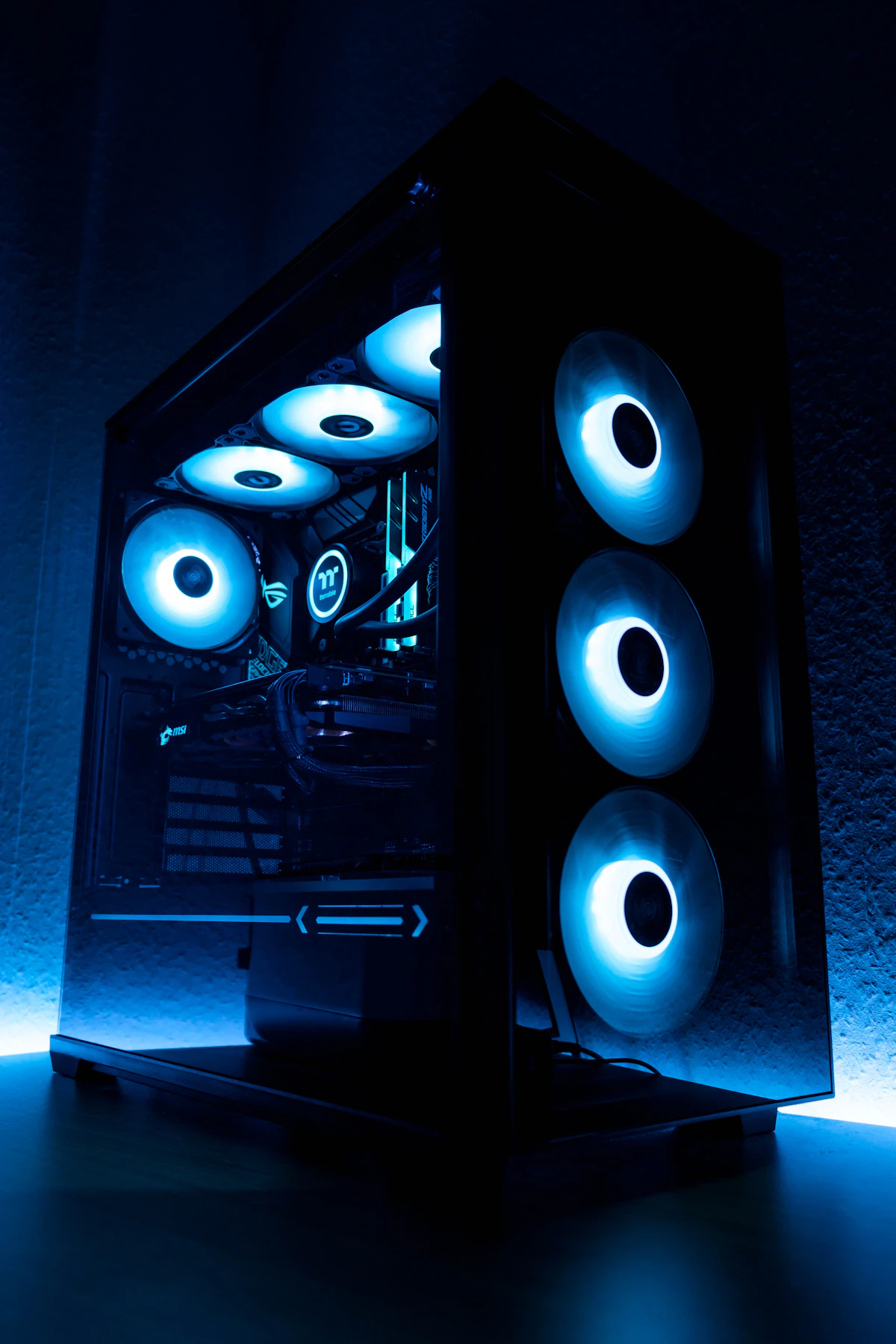
Your Dream Build.
Not a Dream Price.
You don’t need S$2,000 for a PC that plays the games you care about. With the right used parts, S$500 to S$1,000 gets you there, and below is roughly how.
“New GPU drop? S$1,100. Fresh build? S$2,000 easy.” We’d rather you spent that money on games.
Every part is tested
We test display output, VRAM stability, thermals, and physical condition before anything goes on sale. You know what you’re getting.
Honest grading
Grade S, A, B, and Ungraded — each with clear warranty terms. No hiding flaws, no mystery condition. What you see is what you get.
Warranty included
Grade S parts come with 2 months warranty. Grade A with 1 month. Grade B with 2 weeks. If something goes wrong through normal use, we cover it.
Real savings
The average saving on a complete used build vs buying everything new is around 50–60%. That’s real money — a monitor, a keyboard, or just kept in your pocket.
Prioritise the GPU first
For gaming, the GPU has the biggest impact on performance. Budget most heavily here, then balance the rest of the build around it. A strong GPU with a mid-range CPU will outperform the reverse.
Don’t skimp on the PSU
A cheap or failing PSU can damage every other component. Buy a known brand at the right wattage — Seasonic, Corsair, or be quiet! at 80+ Bronze or better. It’s the one component worth not cutting corners on.
16GB RAM is the minimum for gaming today
8GB will bottleneck modern games. 16GB is the sweet spot for most titles. 32GB gives you headroom for the future and is worth the small premium if your budget allows.
Check socket compatibility before buying
Your CPU, motherboard, and RAM all need to be compatible. Before buying any part, confirm the socket type and chipset. When in doubt — WhatsApp us and we’ll check for you.
Build gradually if needed
You don’t have to buy everything at once. Start with the core parts — CPU, motherboard, RAM, GPU — and add storage and upgrades over time. A phased build is better than waiting until you can afford everything new.
Build terms explained
- What is a bottleneck? Matching CPU and graphics
- 1080p vs 1440p: which resolution to build for
- Prebuilt vs custom builds compared
- CPU socket and your upgrade path
- DDR4 vs DDR5 RAM
- PSU wattage and 80 Plus explained
- Used part grades: S, A and B
Ready to start your build?
Tell us your budget and what games you want to play — we’ll help you put together the best build for your money from what we have in stock.