
Is Buying a Used GPU in Singapore Safe? Here’s What to Actually Check
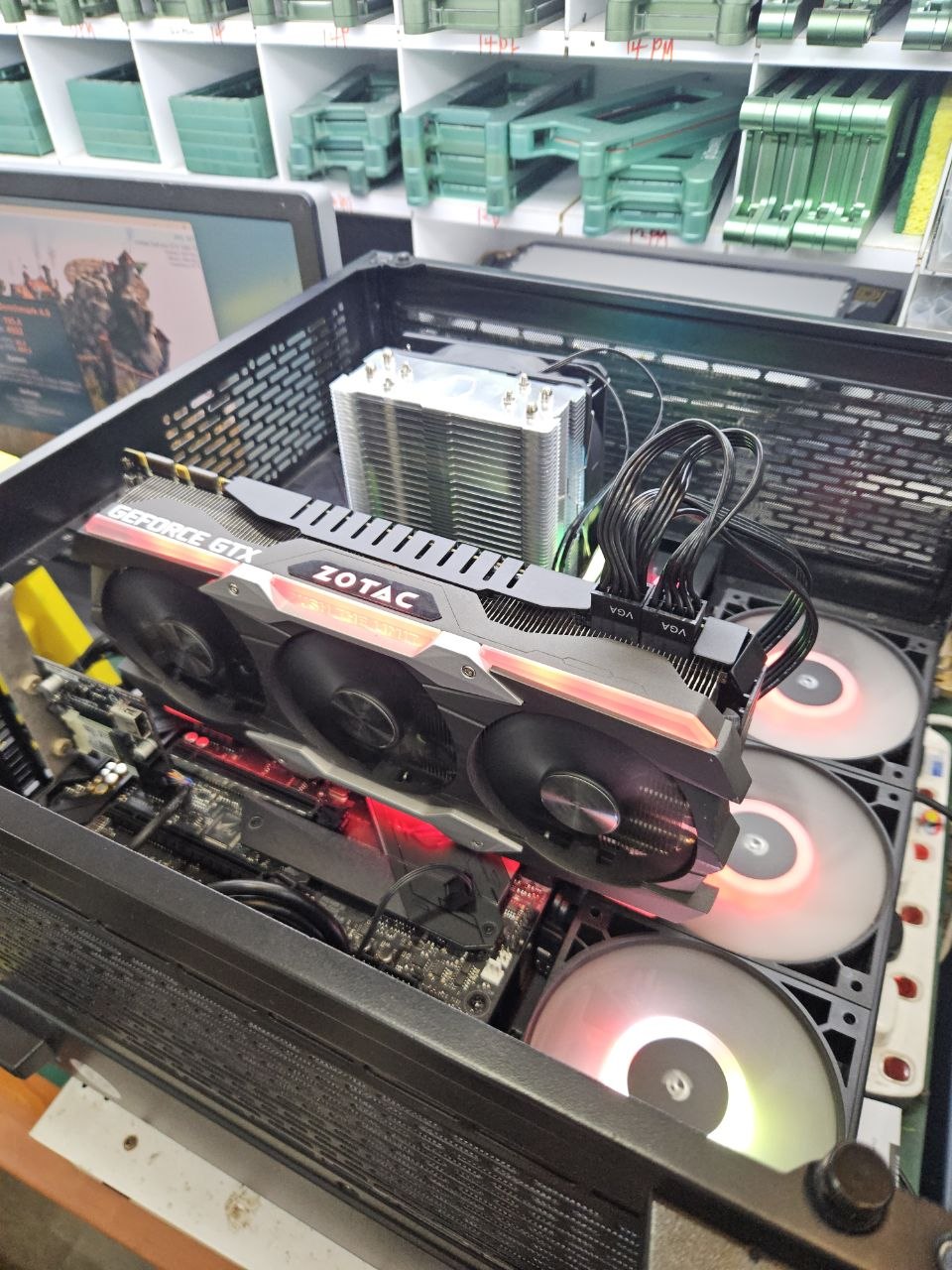
Used graphics cards have a bad name, and some of it is earned. People do sell dead mining cards and cooked hardware at prices that look too good to be true. That doesn’t make every used card a gamble, though. Know what to look at and a good second-hand GPU is one of the best-value things you can buy in Singapore right now.
The local used market has a bit of everything, from cards an upgrader barely touched to ones that spent years running flat out in a mining rig. Those two are worth very different amounts, yet in a Carousell photo they can look exactly the same.
So here’s what to check before any money changes hands, whether you’re buying from a shop, a friend or someone you’ve never met.
Why people are nervous about used GPUs
It makes sense to be careful. The graphics card is usually the priciest part of the build, and a bad one can waste your money and sometimes take other parts down with it. These are the worries we hear most:
Mining history
Mining rigs run cards at full power around the clock, sometimes for years. That’s hard on the VRAM and especially the fans.
Overclocking damage
Someone pushing a card well past safe limits can wear the VRAM down over time. The result is instability you only see under load.
No warranty
Buy from a stranger and if it dies a week later, that’s on you. There’s nobody to go back to.
Misleading photos
A tidy listing photo can hide physical damage, burnt components or missing thermal pads you’d only find with the card open.
All real, and all manageable once you know what to look for.
What to check before buying a used GPU
1 — Ask directly about mining history
An honest seller will just tell you. If you get a dodge or a vague “light use only”, be suspicious. A mining past doesn’t make a card bad on its own; it should simply show up in the price and the warranty. What you’re after is a straight answer.
What to ask: “Was this card ever used for mining or run at sustained full load for extended periods?” A plain yes or no is all you need.
2 — Check the fans
Before powering anything on, spin the fans by hand. They should turn freely, with no grinding, clicking or drag. Worn bearings are common on hard-used cards, and while fans can be replaced, it’s extra money and hassle.
3 — Inspect the thermal paste and pads
Dry paste stops heat getting out, so the card runs hot and throttles. If it hasn’t been repadded in years, budget for a repaste. Materials run about S$20–30, and it’s roughly a 30-minute job if you’re happy doing it yourself.
4 — Run a display output test
Plug it in and check that every port gives a clean picture. Watch for artifacting: little coloured squares, flicker or snowy noise. That points to damaged VRAM and it’s a serious warning sign. A healthy card shows nothing odd at all.
Red flag: Any artifacting, even faint or occasional, should end the deal, unless the seller has already told you about the fault and priced it to match.
5 — Run a stress test
FurMark or 3DMark will push the card to full load and expose problems normal desktop use won’t. Let it run 10 to 15 minutes and watch for crashes, driver errors or temperatures that suddenly jump. A good card stays stable and its temps level off.
6 — Check VRAM with MemTest86 or VRAM tools
VRAM faults are one of the most common ways worn GPUs fail. OCCT, or GPU-Z with a VRAM stress test, can catch errors you’d never see on screen. It matters most on models known for VRAM trouble.
7 — Inspect physically
Look for bent PCIe contacts, a cracked board, signs of liquid (white residue or corrosion) and parts that look swapped or missing. Flip it over and check the backplate too. A card that’s been cared for usually looks it.
The buying options in Singapore — compared
| Where | Pros | Cons |
|---|---|---|
| Carousell / HardwareZone | Wide selection, competitive prices | No testing, no warranty, buyer beware |
| Friend or colleague | Known history, some trust | Limited selection, awkward if it fails |
| Sim Lim Square shops | Physical store, some accountability | Varies widely by shop, not always tested |
| Respawn.sg | Tested, graded, warranty included, honest disclosure | Smaller selection than Carousell |
Carousell honestly has the most choice and the lowest prices, but that’s partly because nobody’s accountable. Whatever you buy becomes your problem. Plenty of people are fine with that, especially if they can test hardware themselves.
If you’d rather pay a bit more for a card that’s been tested and graded, with a warranty and someone to call if it acts up, a shop that specialises in used parts is the better bet.
What “tested and graded” actually means at Respawn
Every GPU we sell gets the same checks before it’s listed: display output on every port, VRAM stability, temperatures under load, the fans and the physical condition. Then it gets a grade:
Grade S — 2 months warranty
Premium condition. All tests passed. No mining history. Original cooler and accessories intact.
Grade A — 1 month warranty
Good working condition. Minor cosmetic wear. All functions tested and confirmed stable.
Grade B — 2 weeks warranty
Functional with minor issues — cosmetic damage, mining history, or non-original cooler. Tested working.
Ungraded — No warranty
Sold as-is. All known faults disclosed at point of sale. Priced accordingly.
You’ll know the grade before you pay, and we confirm the warranty period in store.
The bottom line
Buying used in Singapore is safe, as long as you check the card yourself or buy from someone who already has. A Grade A RTX 3060 from a shop you trust at S$220 beats the same card new at S$480 for most people, and in games you won’t notice any difference.
So the real question isn’t new or used. It’s who you’re buying from, and what they checked before selling it to you.
Looking for a tested, graded GPU?
Have a look at what’s in stock. Every listing shows the grade, the warranty and how it tested. Walk in at Bugis Village or WhatsApp us to check availability.
Related terms
- Stress test: prove a used card is stable
- Benchmark: check it performs as it should
- Used vs refurbished
- What our part grades mean
- Shop tested, graded used parts