
Apex Legends PC Requirements Singapore: What You Actually Need
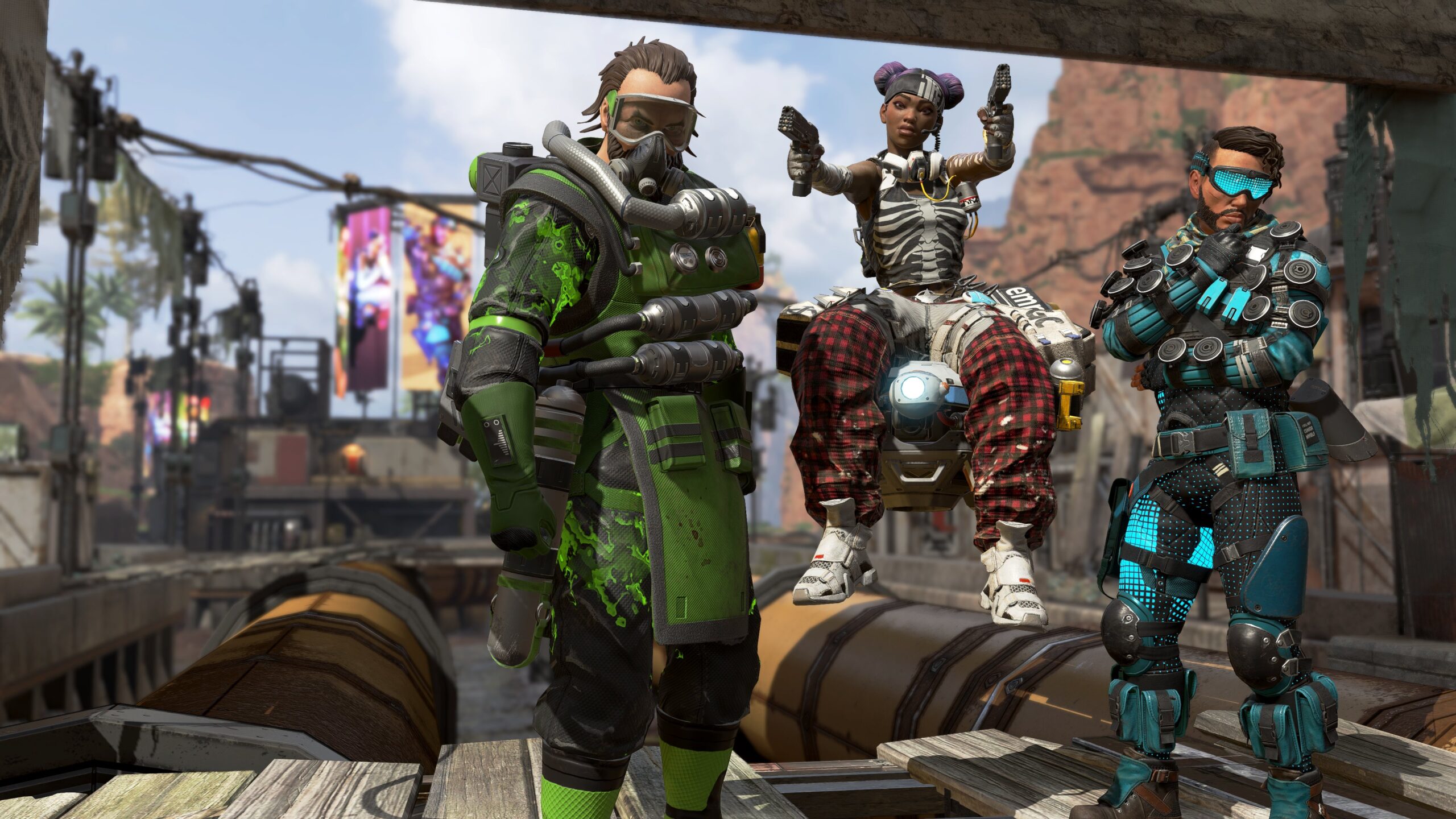
Short answer: Apex Legends is heavier than Valorant but still runs on modest hardware, EA’s own minimum spec is nearly a decade old. The real cost most buyers miss isn’t the GPU, it’s storage. The install is 75GB and growing every season, and Apex ships with a default 144 FPS cap that quietly limits players who own a faster monitor.
Official EA requirements
This is EA’s own published spec for Apex Legends on PC.
| Tier | CPU | GPU | RAM | Result |
|---|---|---|---|---|
| Minimum | Core i3-6300 / AMD FX-4350 | GTX 950 / Radeon HD 7790 | 6 GB | 720p, low settings |
| Recommended | Core i5-3570K / AMD Ryzen 5 | GTX 970 / Radeon R9 290 | 8 GB | 1080p, 60 FPS on high |
8GB RAM is the official floor, not the real one
EA’s recommended spec is from 2019. With modern Windows, EA app or Steam overlay, and Discord running, 16GB is what actually keeps this smooth today.
75GB install, and it only grows each season
This is the cost people forget to budget for. Run it off an SSD, not a hard drive, texture streaming and lobby load times both suffer badly on HDD.
Why Apex leans on the GPU more than Valorant does
Apex runs on a heavily modified Source engine, and unlike Valorant it’s doing more visual work per frame, larger maps, more players, more effects in a fight. That shifts more of the load onto the GPU than a lightweight title like Valorant. At 1080p on high settings a GTX 970 class card clears 60 FPS comfortably, but pushing a stable 144 in a hot drop with twenty squads still lands back on CPU single-core performance, particularly the frame time consistency, not the average.
Practical read: budget a genuinely capable GPU for Apex, more than you would for Valorant, but don’t neglect the CPU either. This is a more balanced spend than a CPU-only game.
The FPS cap almost nobody finds
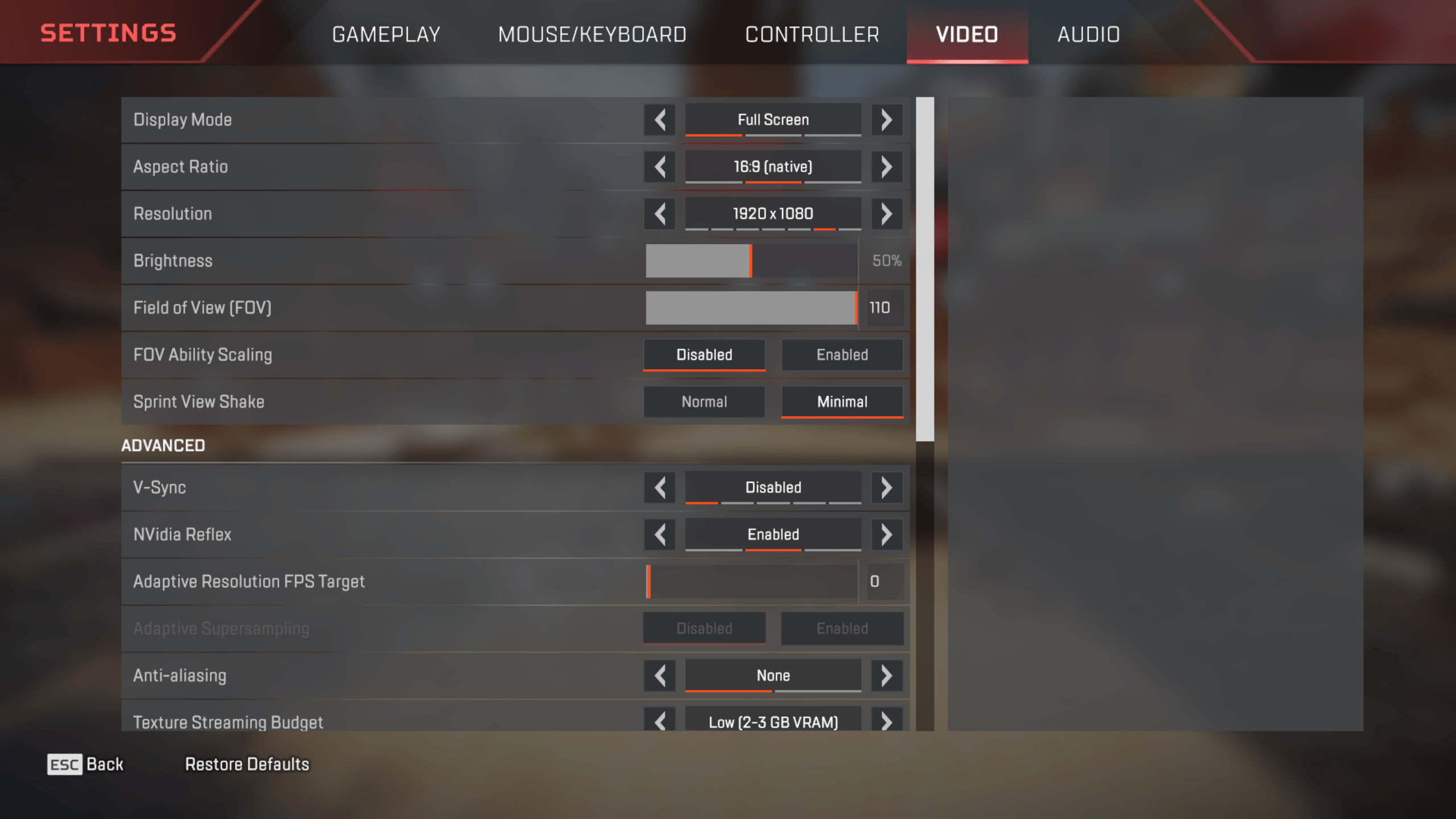
Apex ships with a default in-game FPS cap of 144, regardless of what your monitor can actually do. If you’ve bought a 240Hz or 280Hz monitor for competitive play and your frame counter refuses to climb past 144, this is why, not your hardware.
To remove it: in the EA app or Steam, open the game’s launch options and add +fps_max unlimited. Only do this if your monitor’s actual refresh rate is above 144Hz, otherwise you’re just generating frames your screen can’t show and adding unnecessary GPU load and heat for nothing.
What we’d actually put together
These are tiers built from what we test and grade ourselves, not a generic estimate.
Why your FPS might be low even on decent hardware
You’re capped at 144 without knowing it
Check your launch options for +fps_max unlimited. This alone accounts for a huge share of “why won’t my FPS go higher” questions on a 240Hz monitor.
Running off a hard drive
75GB of textures streaming from an HDD causes stutter and pop-in during fast drops that an SSD simply doesn’t have. This is a bigger factor in Apex than in most competitive shooters because of the map size.
Single-channel RAM
One stick instead of two in dual-channel costs real frame rate, and Apex is more RAM-sensitive than a lighter title like Valorant.
Thermal throttling in long sessions
Apex matches run 20 to 30 minutes, long enough for a dusty cooler or dried thermal paste to show up as a mid-match frame drop that a short benchmark won’t catch. Our cleaning & thermal paste service fixes this in under 20 minutes.
Background apps and overlays
The EA app, Steam, and Discord overlays all take a small cut of your frame rate. Disable what you don’t need running during a match.
FAQ
Can Apex Legends run on a low-end PC?
Yes, technically. EA’s minimum spec dates to 2019 and is genuinely low. In practice, expect low settings at 720p to 900p, not a comfortable experience for competitive play.
Why is my FPS capped at 144?
Apex sets this as the default limit. Add +fps_max unlimited to your launch options if your monitor supports a higher refresh rate.
How much storage does Apex Legends actually need?
Around 75GB currently, and it has grown with nearly every season since launch. Budget more than that if you’re planning ahead, and use an SSD.
Is Apex Legends more demanding than Valorant?
Yes, noticeably. It leans harder on the GPU and RAM, and the installed size is far larger. Valorant is the lighter game by a wide margin.
Know your budget?
Browse our current graded stock or message us your target FPS and monitor, and we’ll match you to a tested build.