
Valorant PC Requirements Singapore (2026): CPU, GPU, and What Riot Won’t Tell You
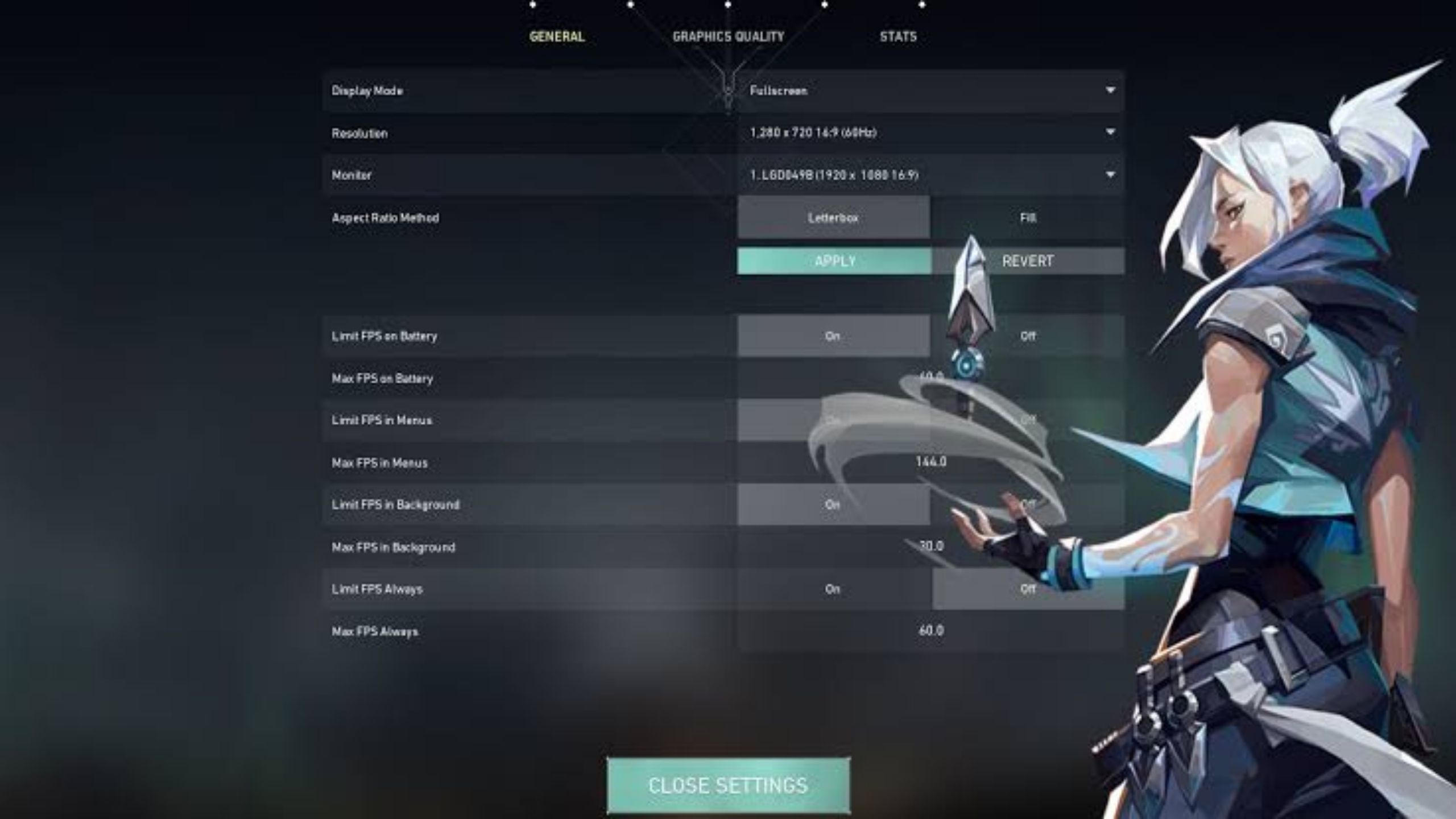
Short answer: Valorant runs on almost anything. Riot built it that way on purpose, so the game plays fair whether you’re on a five year old office PC or a new build. The catch is that most people spend their money on the wrong part. Valorant is CPU bound, not GPU bound, so a strong processor gets you to 144+ FPS far more reliably than an expensive graphics card does.
Official Riot requirements
This is Riot’s own published spec, not a third party estimate.
| Tier | CPU | GPU | RAM | Result |
|---|---|---|---|---|
| Minimum | Core 2 Duo E8400 / Athlon 200GE | Intel HD 4000 / Radeon R5 200 | 4 GB | 30 FPS, playable |
| Recommended | i3-4150 / Ryzen 3 1200 | GT 730 / Radeon R7 240 | 4 GB | 60 FPS, smooth |
| High-End | i5-4460 / Ryzen 5 2600X or newer | GTX 1050 Ti / Radeon R7 370 | 4 GB (16 GB in practice) | 144+ FPS, competitive |
4GB RAM is official, not usable
With Discord, a browser, and Vanguard running in the background, 16GB is the real floor for a stable competitive session. Cheapest upgrade on this whole page.
Windows 11 needs TPM 2.0 and Secure Boot
Required for Vanguard, Riot’s anti-cheat. If you’re buying a used prebuilt or office PC, check this before anything else — it’s a free BIOS setting, not a hardware limitation, but it trips up more buyers than any spec on this table.
Why the GPU matters less than you think
Look at that table again. The CPU column climbs steadily from tier to tier. The GPU column barely moves — a GTX 1050 Ti, a card you can find used for well under S$100, already clears Riot’s own 144 FPS tier. What actually separates a stuttery 144 from a rock solid 240 is single core CPU performance, not graphics horsepower.
This matters because it changes where your budget should go. If Valorant is your main game, an expensive GPU is money that would do more for your setup as a better monitor or a faster CPU.
FPS vs refresh rate: the concept most buyers skip
Your frame rate (FPS) is how many frames your PC produces per second. Your monitor’s refresh rate (Hz) is how many it can actually show you. A 60Hz monitor displays 60 frames no matter how many your PC generates, so pushing 300 FPS on a 60Hz screen wastes most of that performance.
1% lows matter more than the average. A PC that averages 250 FPS but drops to 90 during a smoke-heavy round feels worse than one locked at a steady 160. Match your FPS floor to your refresh rate, not your peak.
Frames above your refresh rate still shave a little input lag, but the jump from 60Hz to 144Hz is where you’ll actually feel the difference. If you’re deciding between a better GPU and a better monitor for Valorant specifically, the monitor almost always wins.
What we’d actually put together
These are tiers built from what we test and grade ourselves, not a generic estimate.
Not worth it for Valorant alone: anything above an RTX 3050 or 4060 is wasted on this game specifically. If you only play Valorant, that budget difference is better spent on a 240Hz monitor and a mouse you actually like the feel of.
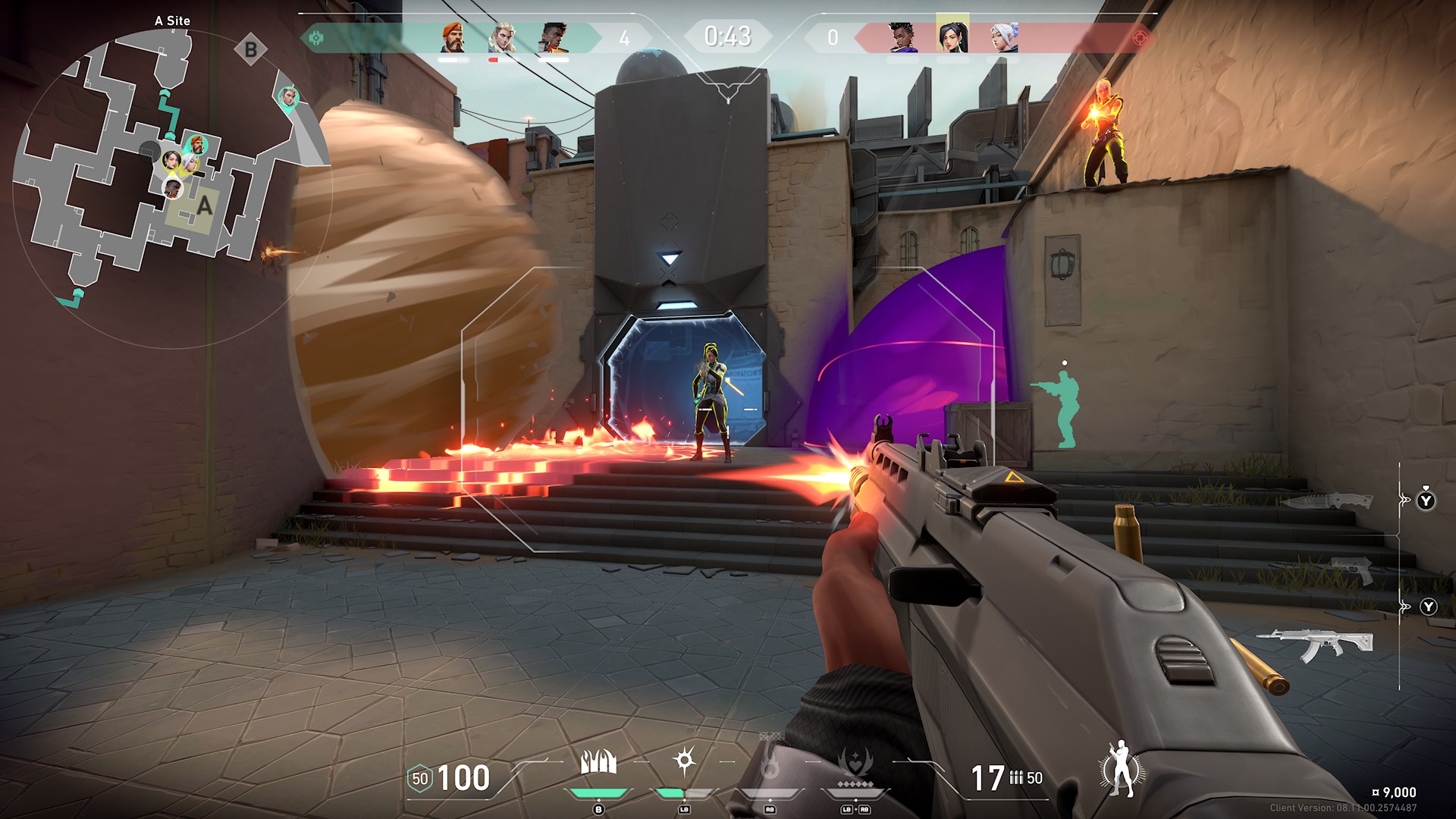
Why your FPS might be low even on decent hardware
Older dual-core or 4-thread CPUs
No settings change fixes this — the engine wants modern cores.
Single-channel RAM
One 8GB stick instead of two 4GB sticks in dual-channel can cost 20–30% of your frame rate. Often the cheapest fix on this entire page.
An FPS cap you didn’t know you set
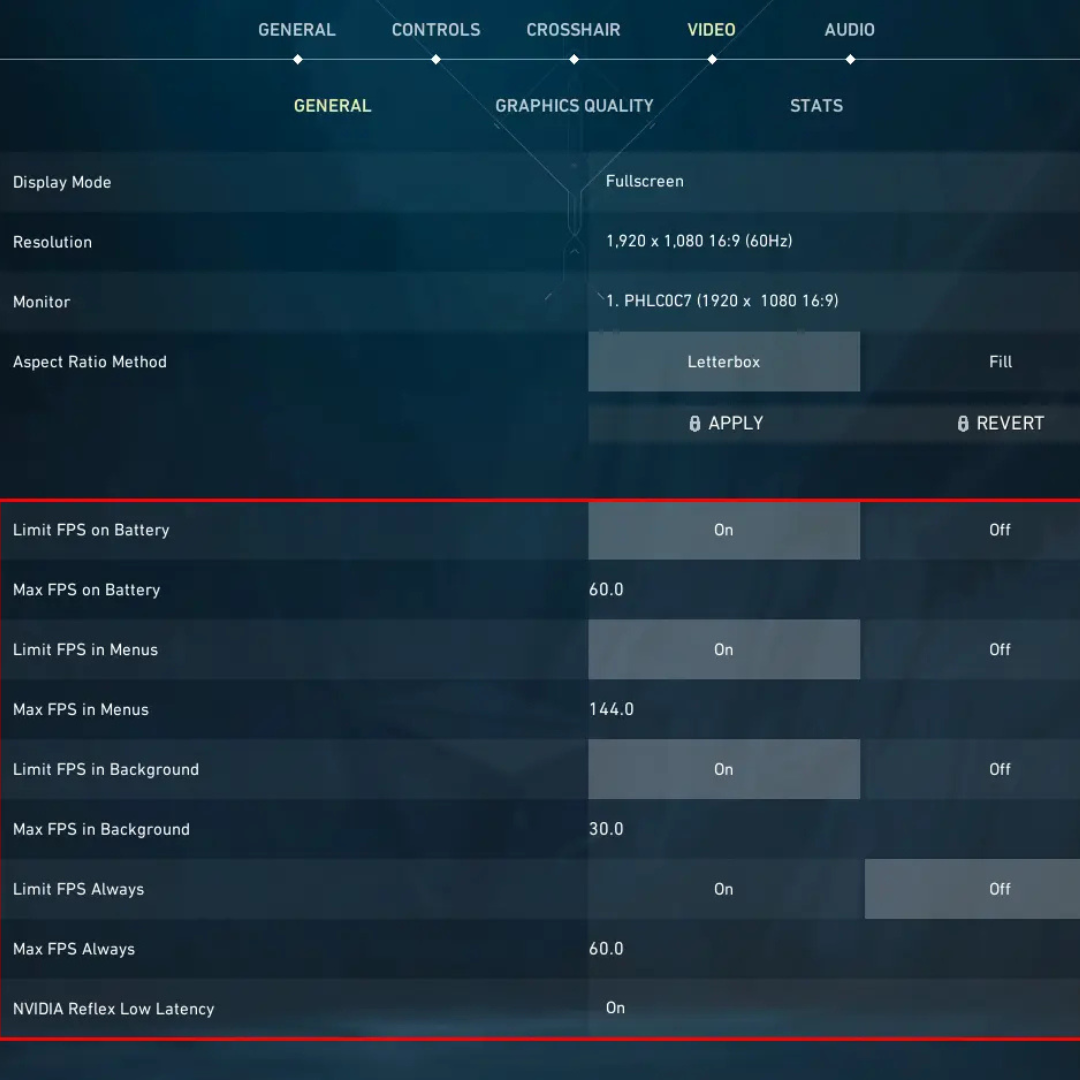
Valorant’s own video settings have separate caps for menus, background, and in-match play. If “Max FPS Always” or “Limit FPS in Background” got left on from a laptop-on-battery session, you can be capped at 40 FPS with a PC capable of 240. Check General settings and confirm every cap is set to Unlimited or your actual target before touching anything else on this list.
Thermal throttling
Dust and dried thermal paste make a CPU quietly slow itself down mid-match.
Windows power plan and background apps
“Balanced” mode and forty Chrome tabs both steal frames from a game that should be running effortlessly.
A laptop that used to run fine
Usually a cooling problem, not the hardware “getting old.”
FAQ
Can Valorant run on integrated graphics?
Yes. Intel UHD or AMD Vega integrated graphics manage 60+ FPS at low settings. For ranked play at 144Hz, add any cheap dedicated GPU — a GTX 1050 Ti is enough.
Is 144 FPS enough, or do I need 240?
144 FPS on a 144Hz monitor is the meaningful jump. 240 is a real but smaller step up, worth it if you’re grinding high rank, optional otherwise.
Should I buy new or used for a Valorant PC?
Used, without much debate. The game’s demands are low enough that a properly tested used build delivers the same competitive experience for a fraction of new pricing, as long as it’s actually tested and graded rather than sold blind.
Does Valorant benefit from an RTX card?
Not meaningfully. There’s no ray tracing and DLSS isn’t needed at these frame rates. An RTX card only earns its keep if you also play heavier titles.
Know your budget?
Browse our current graded stock or message us your target FPS and monitor, and we’ll match you to a tested build.